Playtime and alerts
Day, week, total and 14 days of history; an alert when the chosen time is up, right on the console screen.
Find something to play in your library, launch a game on your console, and ask for the right buttons or a hint to move on. Manage your controllers and sound too, all from a simple conversation.
Retro handhelds running Linux or Android: Anbernic, Miyoo, Retroid, AYN, TrimUI, R36S…
Ask a question about your games, or give the console an instruction.
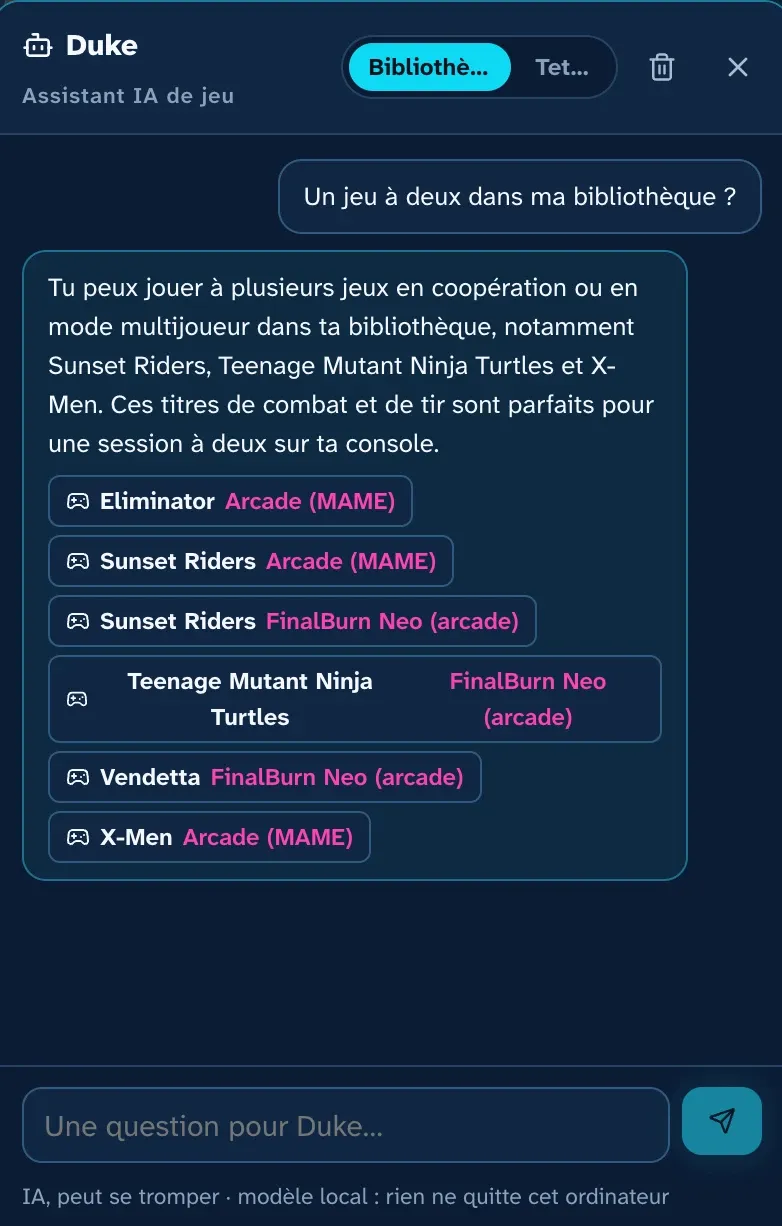
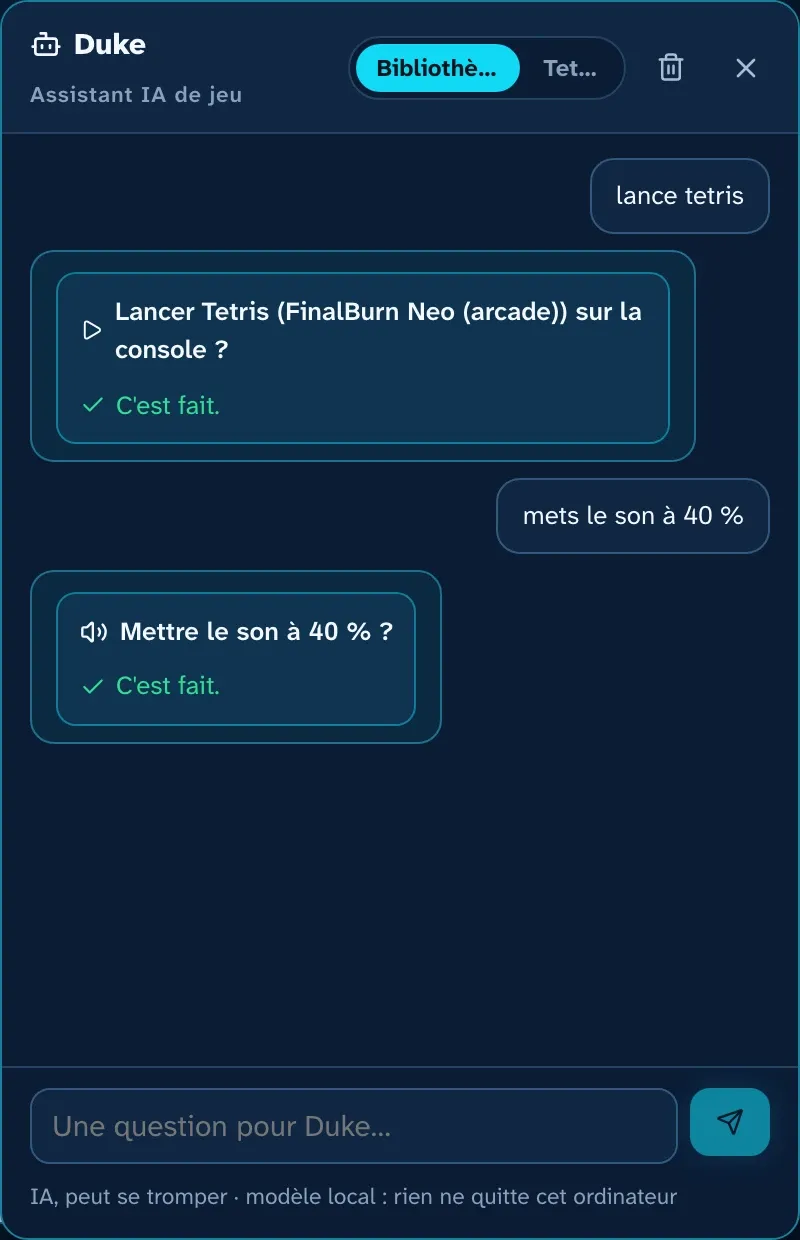
Real screenshots, local model on the computer.
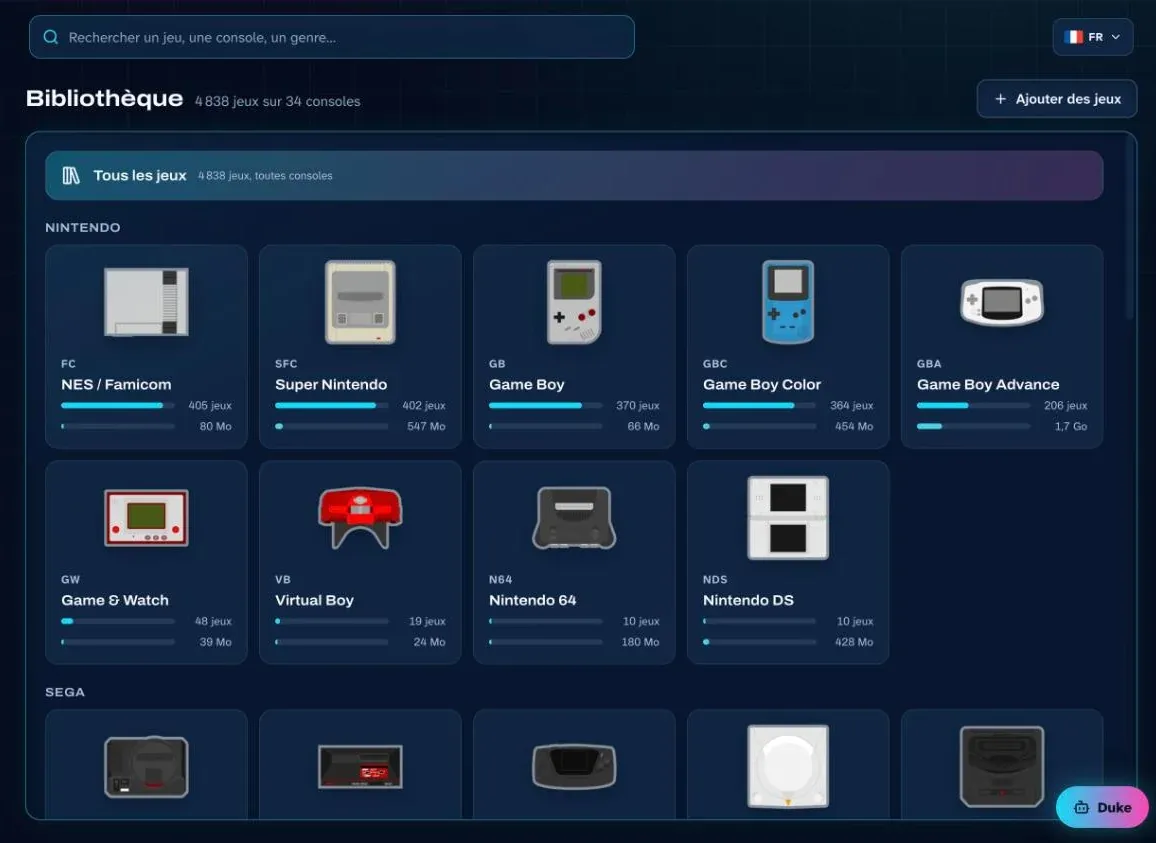
ROMKADE Manager reads the console's card without writing anything to it and sorts every game: console, genre, subgenre, region, format.
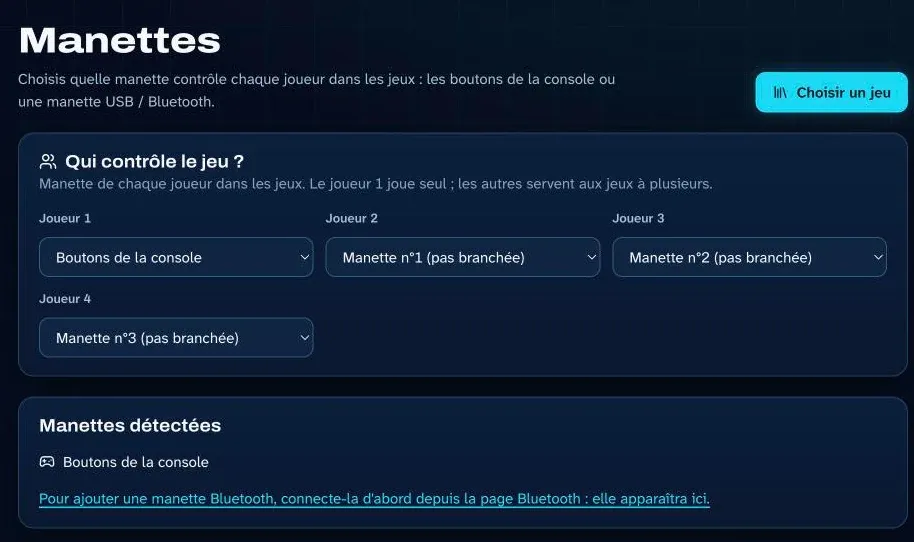
Which controller for which player? Pick it from a list, on your computer, for up to four players.
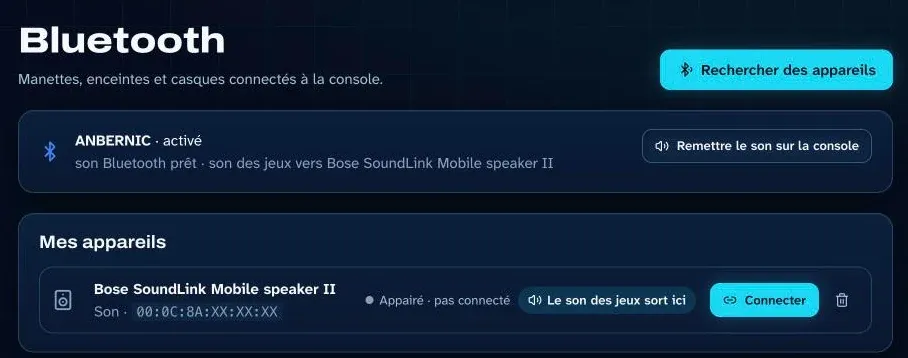
The console stays wireless in your hands while the sound plays on the living-room speaker. One click sends it back to the console.
All the console's saves, sorted game by game. Pick one: the game launches on the console and picks up right where you left off.
Publisher, developer, franchise, release date, regions, Wikipedia and GameFAQs links, trailer: every game has its own page.
AI descriptions are optional. They use the AI you connect: a free local model (Ollama, LM Studio) or an online service with your own key (Claude, ChatGPT, Mistral, Gemini), billed by the provider. Every AI-written text is labeled as such.
Day, week, total and 14 days of history; an alert when the chosen time is up, right on the console screen.
The console's date, time and time zone, set from the computer in one click.
All the console's saves copied to the computer, and downloadable as a .zip.
Docker must be installed on your computer before ROMKADE Manager.
Docker Desktop on macOS and Windows, Docker Engine on Linux, from the official documentation.
The official compose.yaml file from the latest release, downloaded with one command.
docker compose up -d, then the guided connection test.
Compatibility reports, ideas, help: your console helps others. A test on an “experimental” console can move it up to “verified”.
An app you run on your computer and use in your web browser. It connects over Wi-Fi to your retro handheld console (Anbernic, Miyoo, TrimUI…) to organize your games, add new ones, launch games, protect your saves and track your play time.
With Docker, on macOS, Windows or Linux: install Docker, download the official compose.yaml file, then run “docker compose up -d”. The interface then opens at http://localhost:8765. The Installation page details each step for your system.
You need a Linux console with an SSH server, or an Android console (Retroid, AYN…) with the Termux app. Anbernic consoles with Stock OS Mod and Miyoo Mini consoles on Onion OS are verified on a real console; Knulli, Batocera, ROCKNIX, muOS, ArkOS, spruce, MinUI and Android have an experimental profile. The Compatibility page lets you look up your console or your firmware.
Yes, with Docker: the same image runs on macOS (Docker Desktop), Windows (Docker Desktop with WSL 2) and Linux (Docker Engine), on Intel/AMD and ARM processors.
No. Everything goes over Wi-Fi: syncing reads the card remotely, and adding games copies them straight into the right folder on the console.
No. ROMKADE does not publish, sell or distribute any game, ROM or BIOS. The app only manages files you already own and copy yourself.
Yes, depending on the firmware: on Anbernic with Stock OS Mod (including resuming from a save), on Onion OS and on Android (in RetroArch). On the other profiles, ROMKADE Manager can at least quit the running game. The Compatibility page shows what each firmware allows.
Yes. You can copy all your saves to your computer in one click, and every restore starts with an automatic copy of the save being replaced: nothing is overwritten without your knowledge.
No, it's optional. For game descriptions and the assistant, you can connect Claude, ChatGPT, Mistral or Gemini with your own API key, or a free local model with Ollama or LM Studio, without sending anything over the Internet.
At home, on your computer: the catalog, the settings, the copies of your saves and the secrets (console password, API keys) stay in the Docker data volume. A free ROMKADE account is used to sign in; ROMKADE receives neither your games nor your saves. If you link your console to ChatGPT or Claude, ROMKADE Cloud receives the list of your games (names only): see the privacy policy.